
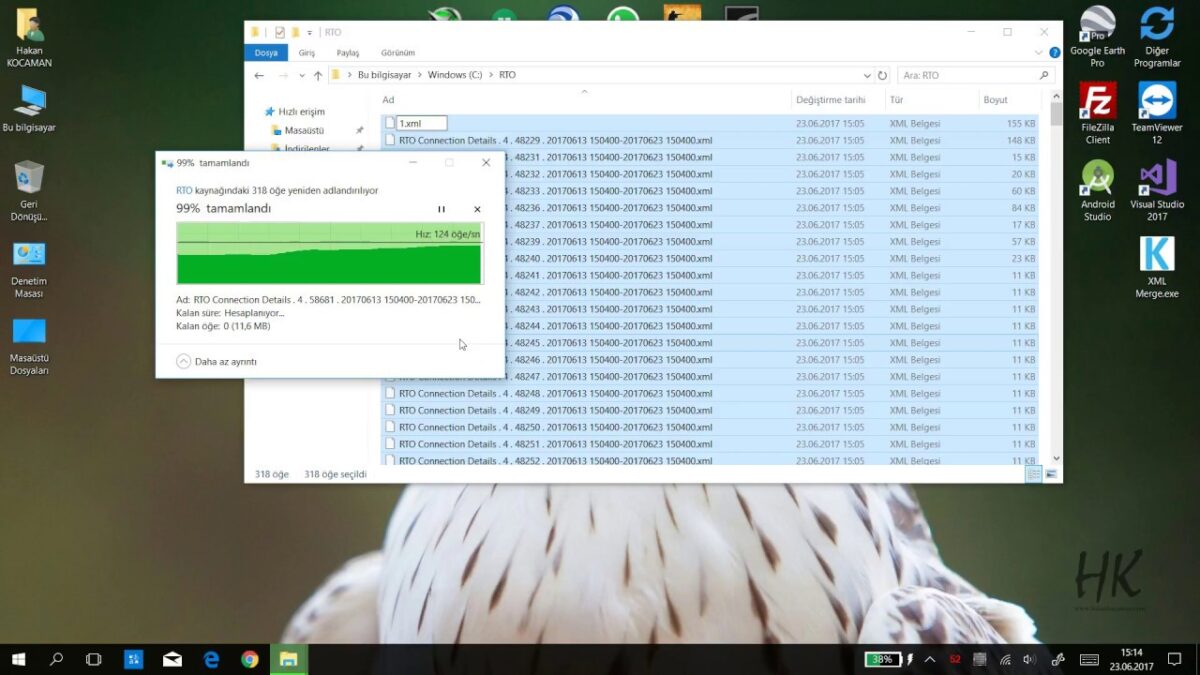
 Many software can generate reports as XML. I have received reports of users’ sessions in XML format from a GNSS software we have been using recently. However, the report for each session unfortunately did not come in a single XML file. This meant that I opened the XML file for each session one by one and analyzed it. I started researching how to combine XML files of all these sessions in the same format into a single XML file, and as a result, the Windows Console program, which I named XML Merge.exe, came out. In short, the program collects XML files of the same format in a single XML file. In this way, the user can easily perform analysis with a single XML file.
In this final video, which I prepared for the installation and configuration of Oracle, ArcGIS Server and ArcGIS Desktop, the ArcMap Publish Service process is shown.
In this video, which I prepared for the installation and configuration of Oracle, ArcGIS Server and ArcGIS Desktop, the Spatial Database Import process is shown. The next video will show the ArcMap Publish Service process.
In this video, which I prepared for the installation and configuration of Oracle, ArcGIS Server and ArcGIS Desktop, the Register Database and Register File process is shown. The next video will show the Spatial Database Import process.
In this video, which I prepared for the installation and configuration of Oracle, ArcGIS Server and ArcGIS Desktop, the ArcGIS Server Installation process is shown. The next video will show the Register Database and Register File process.
Leave a Comment